Registering a test device
Before you start registering real devices it is a good idea to test the platform with a test device. You can register a test device and enable its "demo mode" to start receiving data right away.
Prepare the platform for new devices registration
Check that esthesis CORE is configured to accept new device registrations in Settings > Device registration > Registration mode. You can set it to "Open registration" for now, but do not forget to change it to a more secure setting later.
Which agent client to use
esthesis Device Agent comes as a standalone executable natively compiled for different platform, as well as a container image. You can choose the one that best fits your needs.
Native client
You can download the device agent from:
[todo: add link to download page]
The agent client is a command line tool that can be heavily customised for your esthesis CORE installation. You can view all the available configuration options by issuing:
For a typical demo installation, you can run the device agent as:
Replace {{URL}} with the URL of your esthesis CORE UI installation.
Container client
The container client is available on Docker Hub and is built for multiple platforms and architectures:
For a typical demo installation, you can run the device agent as:
Replace {{URL}} with the URL of your esthesis CORE UI installation.
Check the device registration
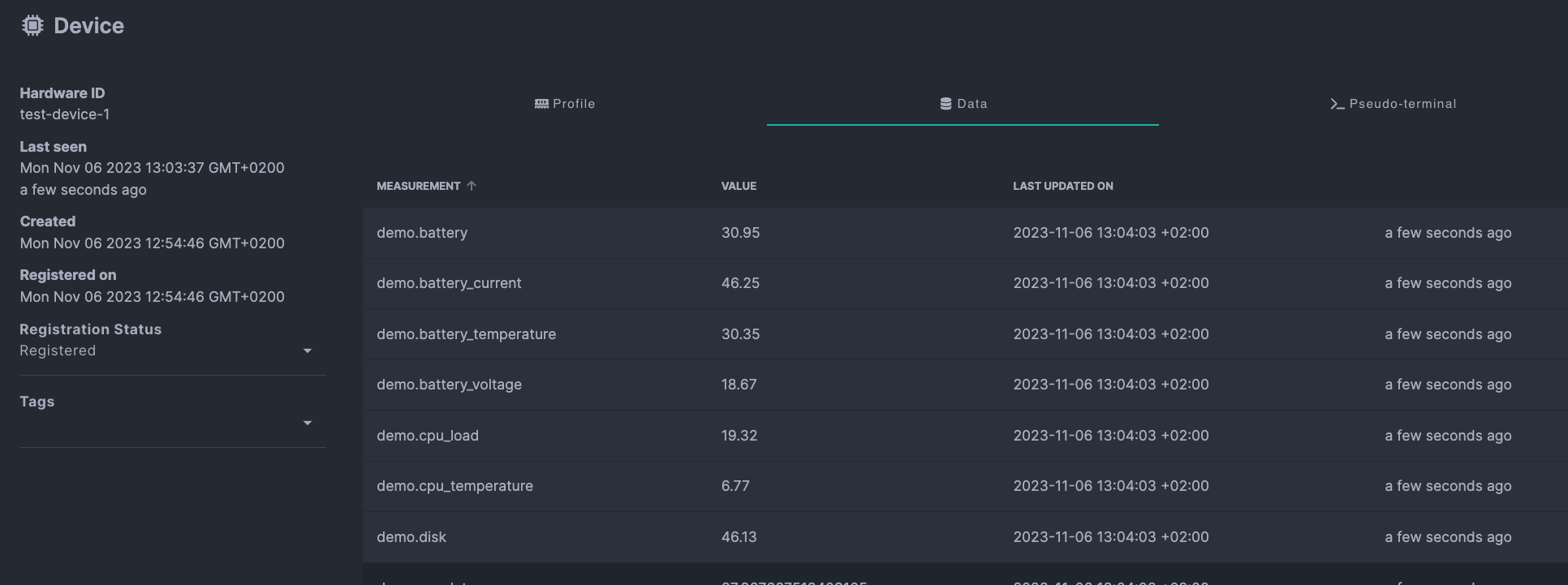
If registration was successful, you should see the device in the device list in esthesis CORE and the device should be sending data to the platform: